
Instagram se Photo download kaise kre
Instagram se Photo download kaise kre दोस्तों अगर आप नहीं जानते हैं की Instagram Se Photo Download कैसे करें । तो मैं आपके आज पूरी Details में बतायंगे की आप बस कुछ थोड़ी सी Step में Instagram se Photo or Video Download कर पाएंगे । Instagram se Photo ya Video download करने के लिए आपके पास दो Application आपके Smart Phone में Install होनी चाहिए ।
1 Instagram
- Instagram Downloader
Download Instagram Photo
Instagram se photo or Video download करने के लिए सबसे पहले आपके पास एक application होनी चाहिए । एप्प का नाम हैं insta Down-loader वो Application Play store पे आसानी से मिल जायेगा । नहीं तो आप Download की option पे भी Click कर डाउनलोड कर सकते हैं ।

Click Here – Download
Step 1
Instagram Down-loader App download कर ले और उसे अपने Phone में install कर ले । उसके बाद इसे Open कर ले । आप देख पा रहे होंगे insta Post Down-loader उसे option को आप Open करें ।

Step 2
जब आप Insta Post Down-loader को option पे क्लिक करेंगे तो एक New page open हो जायेगा जिसमे आपको एक link Paste करना होगा । अब आप सोच रहें होंगे कि कौन सा link Paste किया जाये । मैं आपको अगले Step में बताता हूँ ।
Step 3
अब आप अपना Instagram open कर ले । और वो पोस्ट open कर जो आपको post Download करना हैं । अब आप देख पा रहें होंगे कि Corner में 3 Dot हैं उसपे क्लिक करें ।

Step 4
अब इसमें आपको Copy Link का option पे click कर के उसका link Open कर ले । और जैसे कि मैंने बताया था । ऊपर की उस oplication में Paste का Option दिया हुआ हैं ।

Step 5
अब इस पोस्ट की लिंक Copy करके उस Insta Downloader app में Paste कर ले ।
Final step
अब अपनी पोस्ट के save पे click कर अब save कर सकते हैं ।

FULL STEP

Instagram download From Online
अगर आप चाहते हैं , तो आप Instagram Se Photo Online भी Download कर सकते हैं बस आपको अपनी post का Link copy करना होगा , और उसके बाद आप उसकी लिंक एक website पे Paste करना होगा । जो वेबसाइट का नाम निचे दी गयी हैं ।
Online Download Instagram image
Click here to paste And download :- Click Here
Paste करके आप आसानी से instagram se Photo Download kar sakte hain
DownloadRead more :-
picsart Photo Download for Photo Editing
How do you do SEO for a website
How do you do SEO for a website? Take Responsibility for Your Life: This is our life, and we are […]
How much a blog can earn
How Much Can a Blog Earn in India? (Realistic Guide for Students) If you’re a student in India thinking about […]
How to start a blog and make money (Beginner Guide 2026)
How to start a blog and make money? Most people start blogging thinking it’s easy money. How to start a […]

How I Started a Blog in India and Got 20K Traffic in 25 Days
How do i start a blog in 2026 How do i start a blog: The Reality Most Bloggers Don’t Want […]

How to Start a Blog in India (2026 Beginner’s Guide)
How to Start a Blog in India (2026 Beginner’s Guide) How to start a blog in India: Blogging in India […]
All india database free download-All INDIA 100+ Crore
All india database free download Data is very useful for businesses, marketers, researchers, and writers in today’s fast-paced digital world. […]
10 Hacking Secrets You Need to Know!
10 Hacking Secrets You Need to Know! How to Start Hacking Hacking is often thought of as a shady activity […]
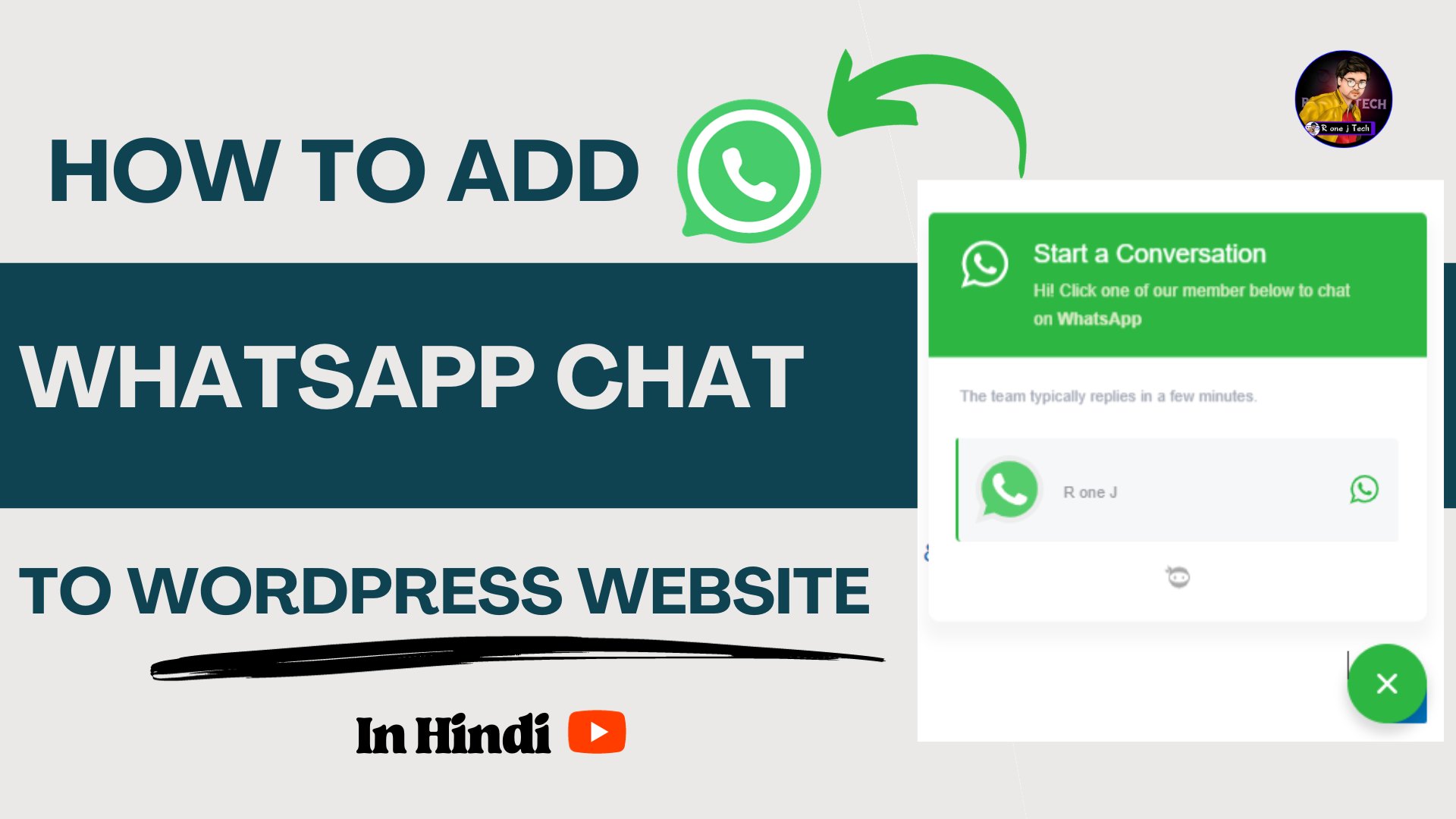
How to Add WhatsApp Chat to WordPress Website
How to Add WhatsApp Chat to WordPress Website How to Add WhatsApp Chat to WordPress Website: In this digital age, […]
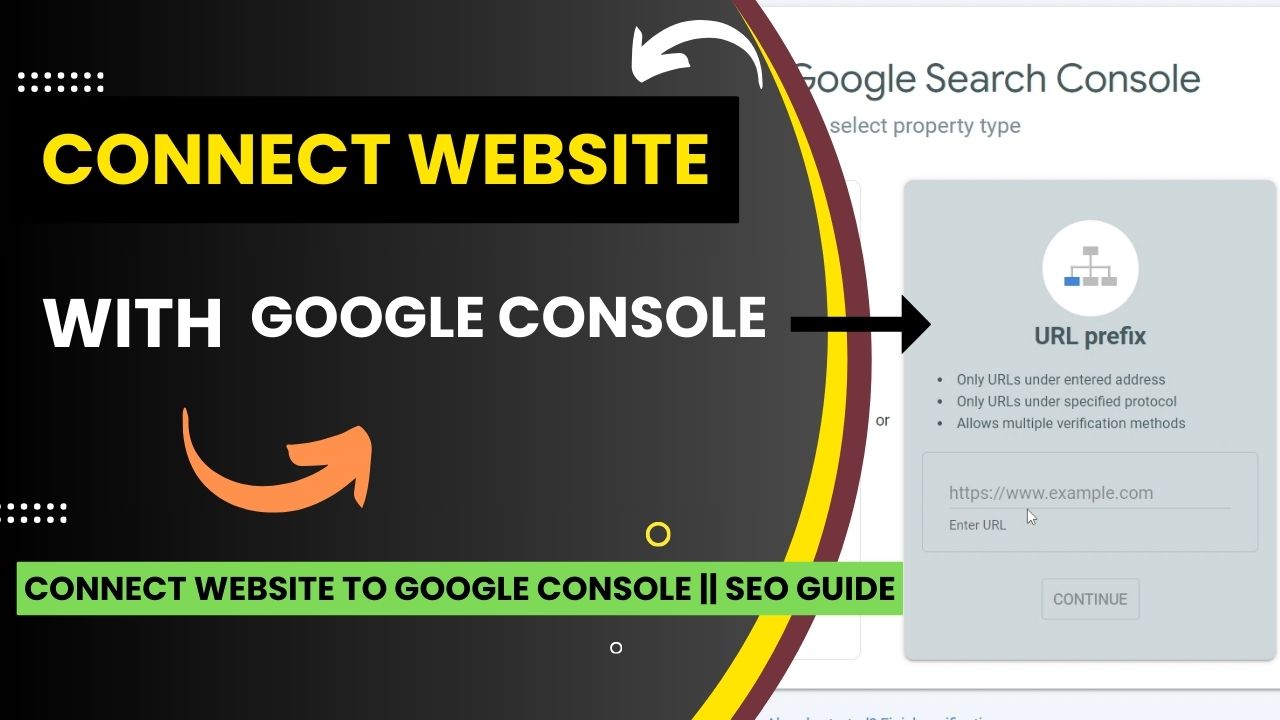
How to Connect Website to Google Console
How to Connect Website to Google Console How to Connect Website to Google Console : It is very important to […]

How To Write SEO Friendly Blog Post on WordPress in Minutes
How To Write SEO Friendly Blog Post on WordPress How To Write SEO Friendly Blog Post : Even though there […]